Same-Day A5 Flyer Printing
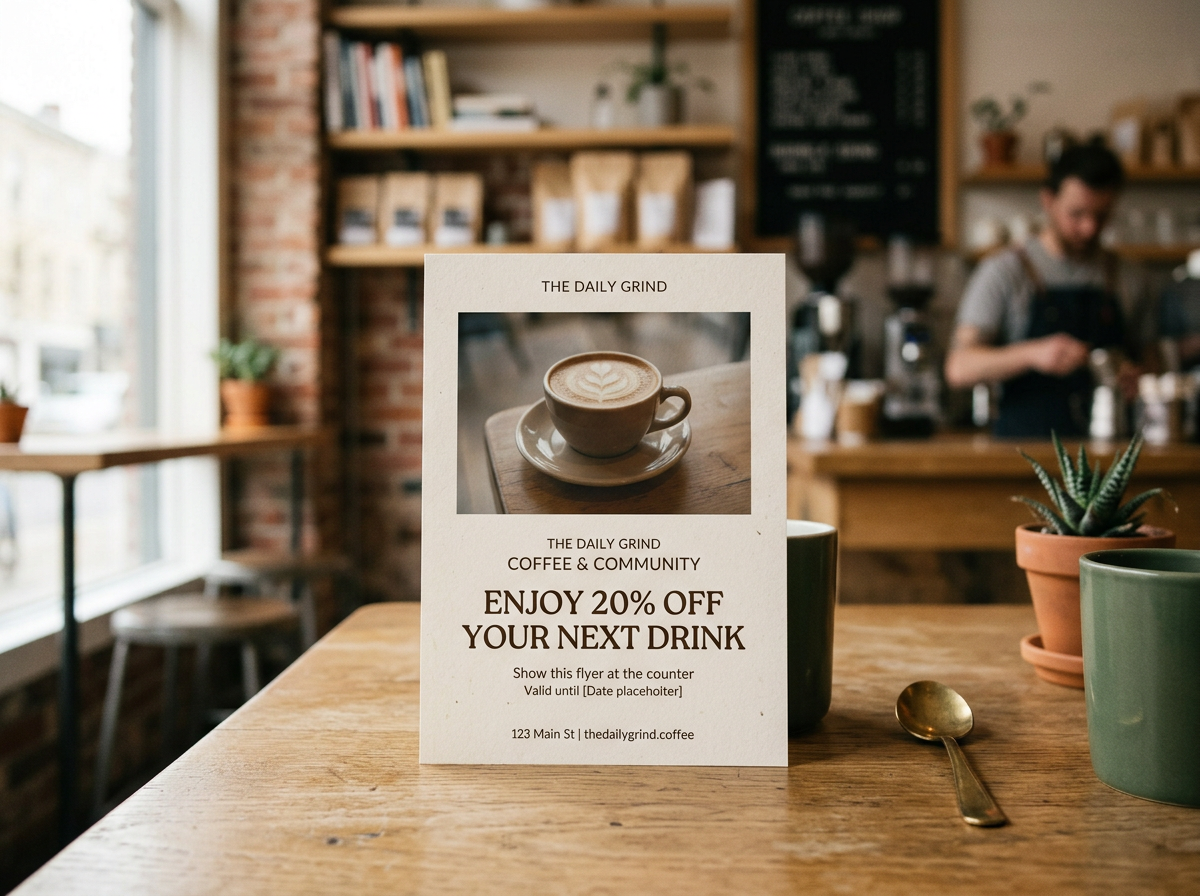
The all-rounder. A5 flyers (148 × 210mm) give you room for your message, images and a clear call to action without the cost of larger formats. They suit event promotion, leaflet drops, menus and special offers.
Choose from a wide range of paper weights and finishes to match your brand and budget. Every job is printed in-house at our Bournemouth print shop and ready when you need it.
A5 file setup
Trim size: 148 × 210mm (portrait)
With 3mm bleed: 154 × 216mm
Colour: CMYK, text kept as vector, images at 300dpi or above
Keep logos and text at least 5mm inside the trim edge
Turnaround
Standard production: around 4 hours on all flyers
Express: usually on press within minutes of ordering
Same-day service Monday–Thursday (Friday subject to availability). Print-ready files must be received by 11am for same-day turnaround.
Papers & Finishes
We stock a wide range of uncoated and coated stocks in silk, gloss and natural finishes, across all common weights, held on the shelf and ready to go. Can’t see the weight you need? Just ask.
Fedrigoni Uncoated: 120gsm, 140gsm, 170gsm, 190gsm, 240gsm, 300gsm, 350gsm
Silk & Gloss: 135gsm, 150gsm, 170gsm, 200gsm, 250gsm, 300gsm, 350gsm, 400gsm
Artwork Requirements
For best results, supply a print-ready PDF with crop marks and 3mm bleed, in CMYK colour (not RGB) with flattened artwork. We also accept JPG or TIFF files in CMYK at 300dpi. Not sure your file is print-ready? Email it to us in advance and we’ll check it over before you order. If your artwork needs correcting, we offer a paid advice and correction service.
Designing in Canva?
Export as a Printer’s PDF, and make sure you add crop marks and bleed, set colour to CMYK and use the flatten artwork option.
Creating Your Artwork with AI Tools (ChatGPT, Claude, etc.)
AI tools don’t usually produce print-ready files, but we can often work with what you send us. Files that need extra preparation can take a fair amount of work to look professional, so there may be a charge. Please contact us before ordering and we’ll let you know.
To get the best result, give your AI tool these specifications:
Page size: 148 × 210mm (A5)
Bleed: add 3mm on every side, making the full image 154 × 216mm, so we can trim cleanly
Colour: CMYK if the tool can do it. If not, we can convert it for you
Safe area: keep all logos and text within 128 × 190mm (10mm in from each edge). Only background graphics and images should run into the margin and out to the bleed
Borders: please avoid them, as they can look uneven after trimming
Resolution: the highest the tool can produce, and at least 300dpi at print size
Text: keep it as live vector text, not part of a flattened image
File type: PDF is best
Tip: AI tools often misspell words or distort text inside an image. Check every word carefully before you send the file, or create the artwork without text and add your wording in Canva.
Other sizes
A6 Trimmed size 105 × 148mm with bleed 111 × 154mm safe area 85 × 128mm
DL Trimmed size 99 × 210mm with bleed 105 × 216mm safe area 79 × 190mm
A5 Trimmed size 148 × 210mm with bleed 154 × 216mm safe area 128 × 190mm
A4 Trimmed size 210 × 297mm with bleed 216 × 303mm safe area 190 × 277mm
Ready to order? Choose your options above, or call us on 01202 552555.
Same-Day A5 Flyer Printing
The all-rounder. A5 flyers (148 × 210mm) give you room for your message, images and a clear call to action without the cost of larger formats. They suit event promotion, leaflet drops, menus and special offers.
Choose from a wide range of paper weights and finishes to match your brand and budget. Every job is printed in-house at our Bournemouth print shop and ready when you need it.
A5 file setup
Trim size: 148 × 210mm (portrait)
With 3mm bleed: 154 × 216mm
Colour: CMYK, text kept as vector, images at 300dpi or above
Keep logos and text at least 5mm inside the trim edge
Turnaround
Standard production: around 4 hours on all flyers
Express: usually on press within minutes of ordering
Same-day service Monday–Thursday (Friday subject to availability). Print-ready files must be received by 11am for same-day turnaround.
Papers & Finishes
We stock a wide range of uncoated and coated stocks in silk, gloss and natural finishes, across all common weights, held on the shelf and ready to go. Can’t see the weight you need? Just ask.
Fedrigoni Uncoated: 120gsm, 140gsm, 170gsm, 190gsm, 240gsm, 300gsm, 350gsm
Silk & Gloss: 135gsm, 150gsm, 170gsm, 200gsm, 250gsm, 300gsm, 350gsm, 400gsm
Artwork Requirements
For best results, supply a print-ready PDF with crop marks and 3mm bleed, in CMYK colour (not RGB) with flattened artwork. We also accept JPG or TIFF files in CMYK at 300dpi. Not sure your file is print-ready? Email it to us in advance and we’ll check it over before you order. If your artwork needs correcting, we offer a paid advice and correction service.
Designing in Canva?
Export as a Printer’s PDF, and make sure you add crop marks and bleed, set colour to CMYK and use the flatten artwork option.
Creating Your Artwork with AI Tools (ChatGPT, Claude, etc.)
AI tools don’t usually produce print-ready files, but we can often work with what you send us. Files that need extra preparation can take a fair amount of work to look professional, so there may be a charge. Please contact us before ordering and we’ll let you know.
To get the best result, give your AI tool these specifications:
Page size: 148 × 210mm (A5)
Bleed: add 3mm on every side, making the full image 154 × 216mm, so we can trim cleanly
Colour: CMYK if the tool can do it. If not, we can convert it for you
Safe area: keep all logos and text within 128 × 190mm (10mm in from each edge). Only background graphics and images should run into the margin and out to the bleed
Borders: please avoid them, as they can look uneven after trimming
Resolution: the highest the tool can produce, and at least 300dpi at print size
Text: keep it as live vector text, not part of a flattened image
File type: PDF is best
Tip: AI tools often misspell words or distort text inside an image. Check every word carefully before you send the file, or create the artwork without text and add your wording in Canva.
Other sizes
A6 Trimmed size 105 × 148mm with bleed 111 × 154mm safe area 85 × 128mm
DL Trimmed size 99 × 210mm with bleed 105 × 216mm safe area 79 × 190mm
A5 Trimmed size 148 × 210mm with bleed 154 × 216mm safe area 128 × 190mm
A4 Trimmed size 210 × 297mm with bleed 216 × 303mm safe area 190 × 277mm
Ready to order? Choose your options above, or call us on 01202 552555.

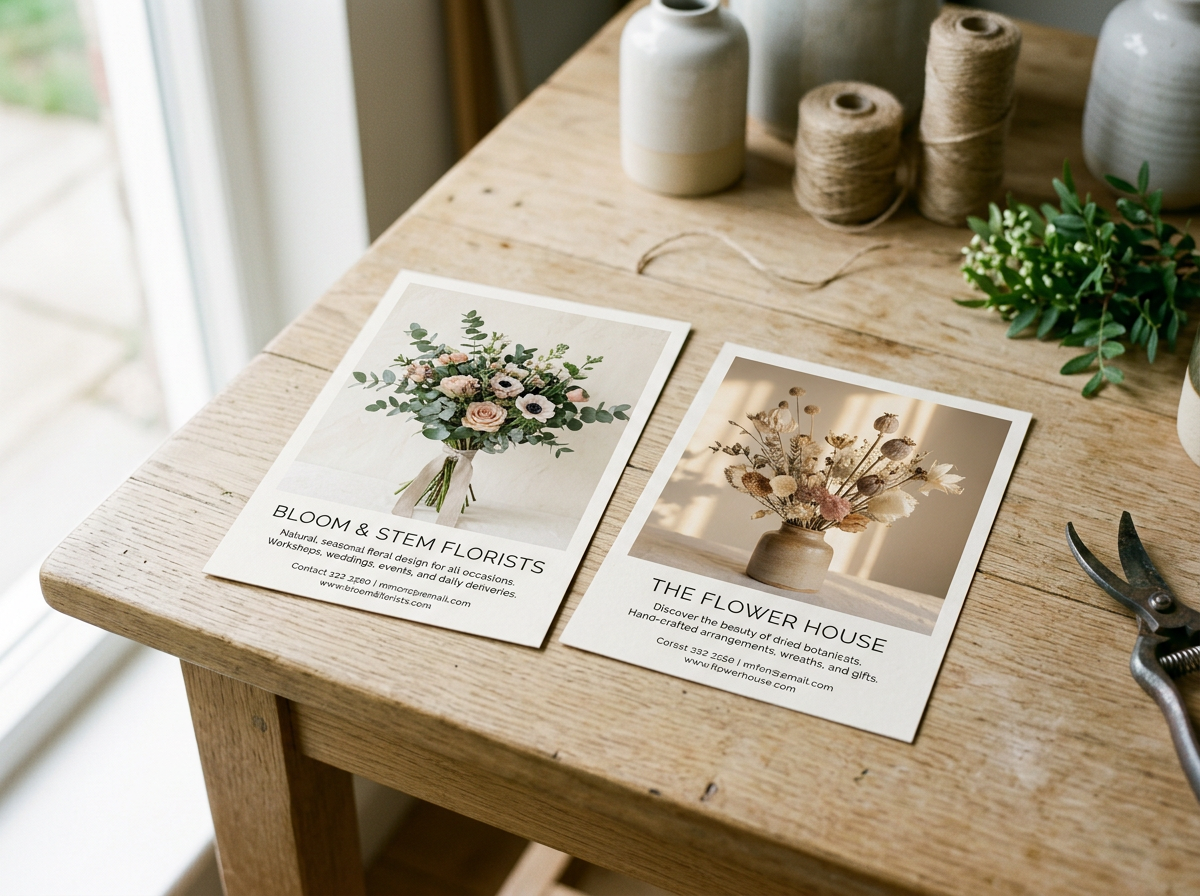 Image 1 of 6
 Image 2 of 6
 Image 3 of 6
 Image 4 of 6
 Image 5 of 6
 Image 6 of 6